
Disclosure: This post may contain affiliate links. We may earn a commission at no extra cost to you.
Understanding the Risks to Your Tech While Traveling
Traveling opens doors to new experiences, cultures, and adventures, but it also exposes your tech devices to various risks. From theft to accidental damage, the potential for harm is real. Have you ever thought about how vulnerable your laptop or smartphone can be when you’re on the move? Whether you’re in bustling airport terminals, crowded cafes, or unfamiliar hotel rooms, your gadgets are at risk. Understanding these threats is the first step in safeguarding your tech.
Thieves often target travelers because they know people carry valuable items like laptops, tablets, and smartphones. In busy places, it’s easy for someone to snatch your backpack or slip a device from your table without you noticing. Additionally, environmental factors like extreme temperatures, humidity, and even food spills can damage your devices. Preparing for these risks involves more than just being cautious; it means taking proactive steps to protect your gear.
Essential Tech Protection Gear for Travelers
Before you embark on your journey, consider investing in some essential tech protection gear. The right equipment can make a significant difference in keeping your devices safe. Start with a high-quality, padded backpack designed specifically for tech gear. Look for features like anti-theft zippers, RFID-blocking compartments, and water-resistant materials. These features can protect against both physical theft and environmental damage.
Next, consider using a sturdy laptop sleeve. This additional layer can help prevent scratches and minor impacts during travel. If you’re carrying a smartphone, invest in a reliable case that can withstand drops and spills. Screen protectors are also a smart choice; they prevent scratches and can reduce the risk of shattering your screen if you drop your phone. Don’t forget about portable chargers and backup batteries—keeping your devices powered is crucial, especially if you’re navigating through unfamiliar cities.
Best Practices for Secure Online Access
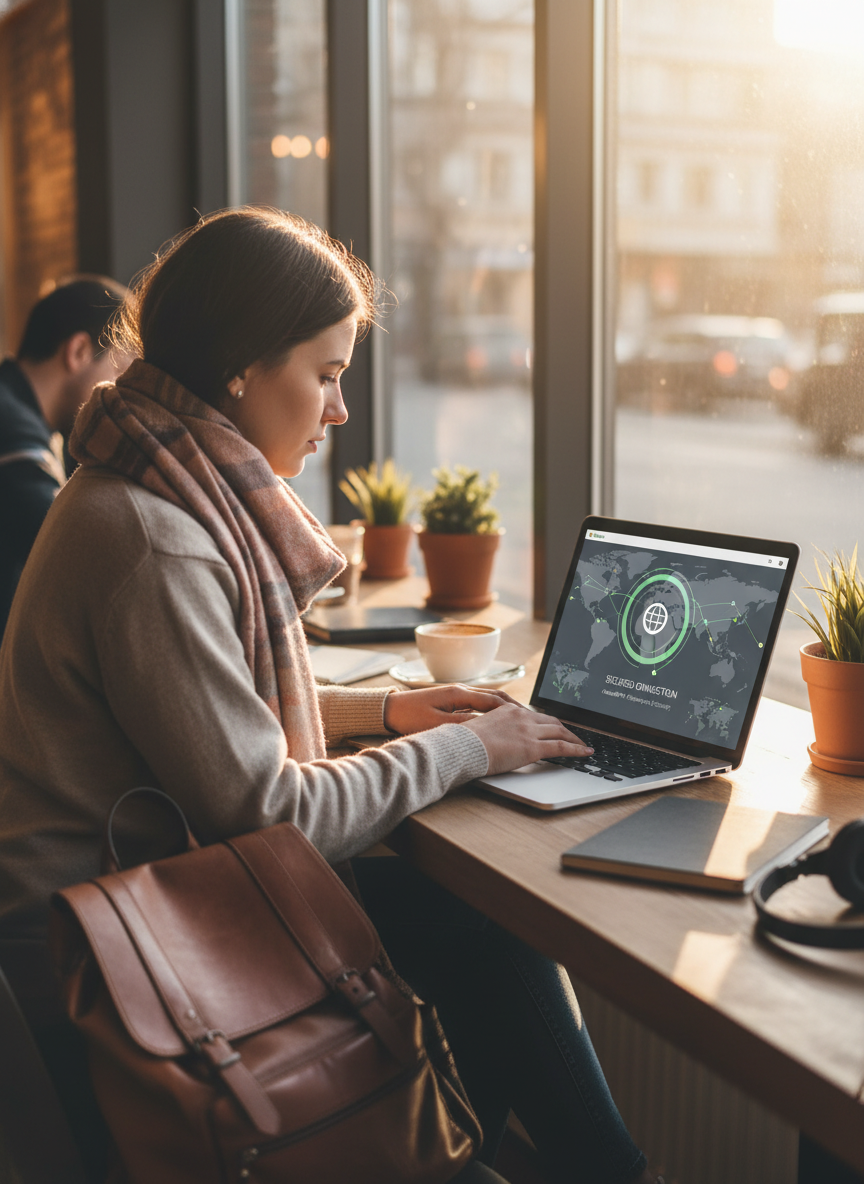
When traveling, you often rely on public Wi-Fi networks for internet access, which can be a double-edged sword. While it’s convenient, these networks are typically less secure, making your tech vulnerable to cyber threats. To safeguard your data, always use a Virtual Private Network (VPN) when connecting to public Wi-Fi. A VPN encrypts your internet connection, making it difficult for hackers to intercept your information.
Additionally, avoid accessing sensitive accounts or conducting financial transactions on public networks. If you must log in to your bank account or enter personal information, try to use a mobile hotspot instead. Regularly updating your passwords and enabling two-factor authentication can also provide an extra layer of security. By following these practices, you can significantly reduce the risk of falling victim to cybercrime while traveling.
Physical Safeguards: Keeping Your Devices Close
Keeping your tech close is vital when you’re on the go. Always be conscious of your surroundings, especially in crowded areas. Use a crossbody bag or a front-facing backpack to keep your devices easily accessible yet secure. When sitting in cafés or public transport, place your bag on your lap or secure it to your chair. Avoid leaving your laptop or phone unattended on tables, even for a moment. Top Budget-Friendly Travel Destinations 2027 You Must Explore
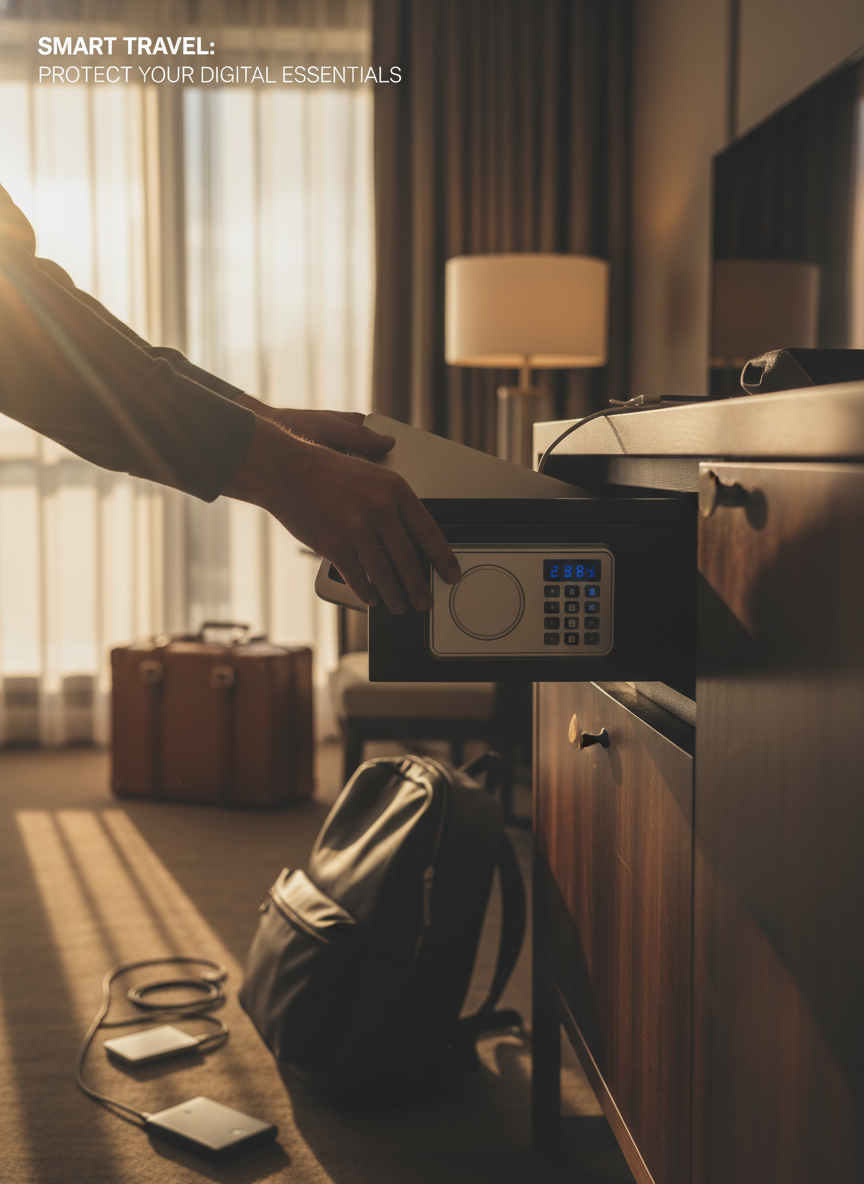
If you’re staying in hotels, use the in-room safe to store your devices when you’re out. If your hotel doesn’t have a safe, consider using a portable lockbox. These are lightweight yet effective, allowing you to secure your tech in your luggage. Being vigilant and using physical safeguards can drastically reduce the chances of theft.
Backup Strategies: Always Be Prepared
Backing up your data should be a priority, especially when traveling. The last thing you want is to lose precious photos or important documents. Use cloud storage services like Google Drive or Dropbox to back up your files regularly. These services allow you to access your data from any device, making it easy to recover lost files.
Consider also carrying a portable external hard drive. This can be a lifesaver if you run out of cloud storage space or need to back up large amounts of data. Be sure to encrypt sensitive information on your devices and backups. This ensures that even if someone does access your files, they won’t easily understand the content.
Dealing with Emergencies: What to Do If Something Happens
Even with the best precautions, accidents can happen. If your device gets lost or stolen, act quickly. Report the theft to local authorities and your insurance company. If you have tracking software installed (like Find My iPhone or Android Device Manager), use it to locate your device. These tools can often help you recover stolen tech.
For lost devices, it’s crucial to change your passwords for sensitive accounts immediately. This can help prevent unauthorized access to your personal information. Also, keep a record of the serial numbers and model details for your devices. This information can be incredibly useful for police reports or insurance claims. Having a plan in place can mitigate the stress of losing your tech while traveling.
Conclusion: Traveling Smart with Your Tech
Traveling doesn’t have to mean risking your valuable tech. By understanding the risks and implementing protective measures, you can enjoy your adventures without worry. Remember to invest in quality gear, practice secure online habits, and always have a backup strategy in place. Preparing for the unexpected is key. With these strategies in mind, you can focus on creating unforgettable memories instead of stressing over your devices. The Future of Mobile Payments in Travel 2027
FAQs
1. How can I prevent my tech from being stolen while traveling?
Use anti-theft bags, keep your devices close, and be aware of your surroundings. Always lock your devices in hotel safes when not in use.
2. What should I do if my laptop gets stolen?
Report it to the local authorities and your insurance provider. Use tracking software if available to try to locate it.
3. Is public Wi-Fi safe for online banking?
Public Wi-Fi is generally unsafe for sensitive transactions. Always use a VPN for security when accessing sensitive information.
4. How do I back up my data while traveling?
Use cloud storage solutions and portable external hard drives to back up your data regularly during your travels.
5. What tech gear should I invest in for travel?
Invest in a padded laptop bag, durable phone cases, screen protectors, and portable chargers to keep your tech safe.
